
Measure Tool
Add measures to the canvas
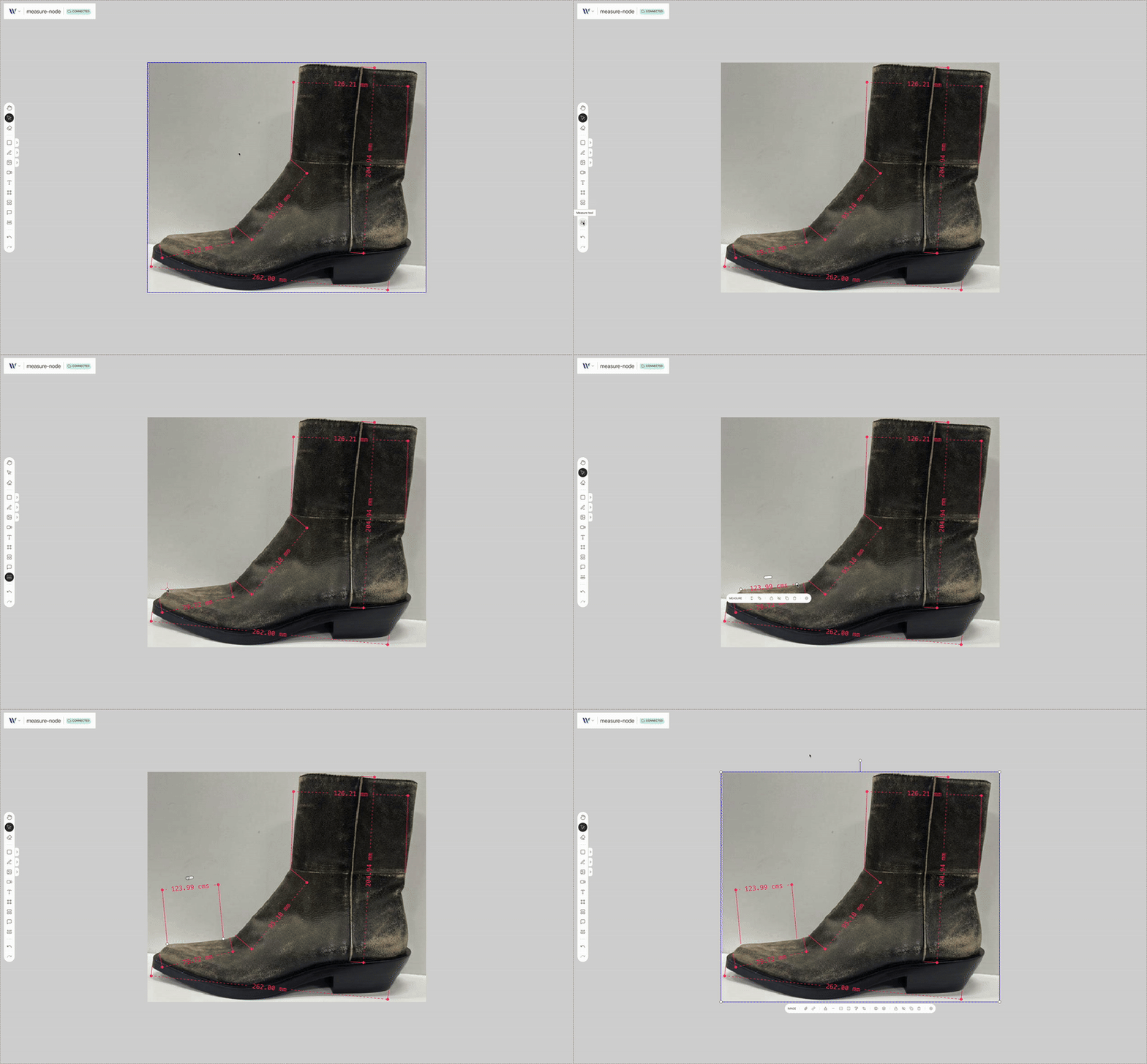
Introduction
This action enables users to create new measure nodes on the canvas.
Dependencies
This action needs registered on the Weave instance the following element:
- Measure node
Usage
Import the Action
Start by importing the action:
import { WeaveMeasureToolAction } from "@inditextech/weave-sdk";Register the Action
Then register the action on the Weave class instance.
const instance = new Weave({
  ...
  actions: [
    ...,
    new WeaveMeasureToolAction(),
  ]
})
Setup the action trigger
Setup on a button or any element on the UI the user can interact with on the action event:
instance.triggerAction("measureTool");For example on a button on React:
import React from "react";
import { useWeave } from "@inditextech/weave-react";

const MyMeasureToolTriggerComponent = () => {
  const instance = useWeave((state) => state.instance);

  const triggerTool = React.useCallback(() => {
    instance.triggerAction("measureTool");
  }, [instance]);

  return <button onClick={triggerTool}>Measure Tool</button>;
};
Trigger the action
Finally a final user trigger the UI element that launches the action.
When active the user can follow this steps:
- Click on the canvas, it will define the start point for the measure.
- Click on the canvas again, it will define the end point for the measure.
Then the measure node is added to the canvas as a fully functional node. This action integrates seamlessly with Weave.js's real-time state system, ensuring the new element appears instantly for all connected users.