
Introduction
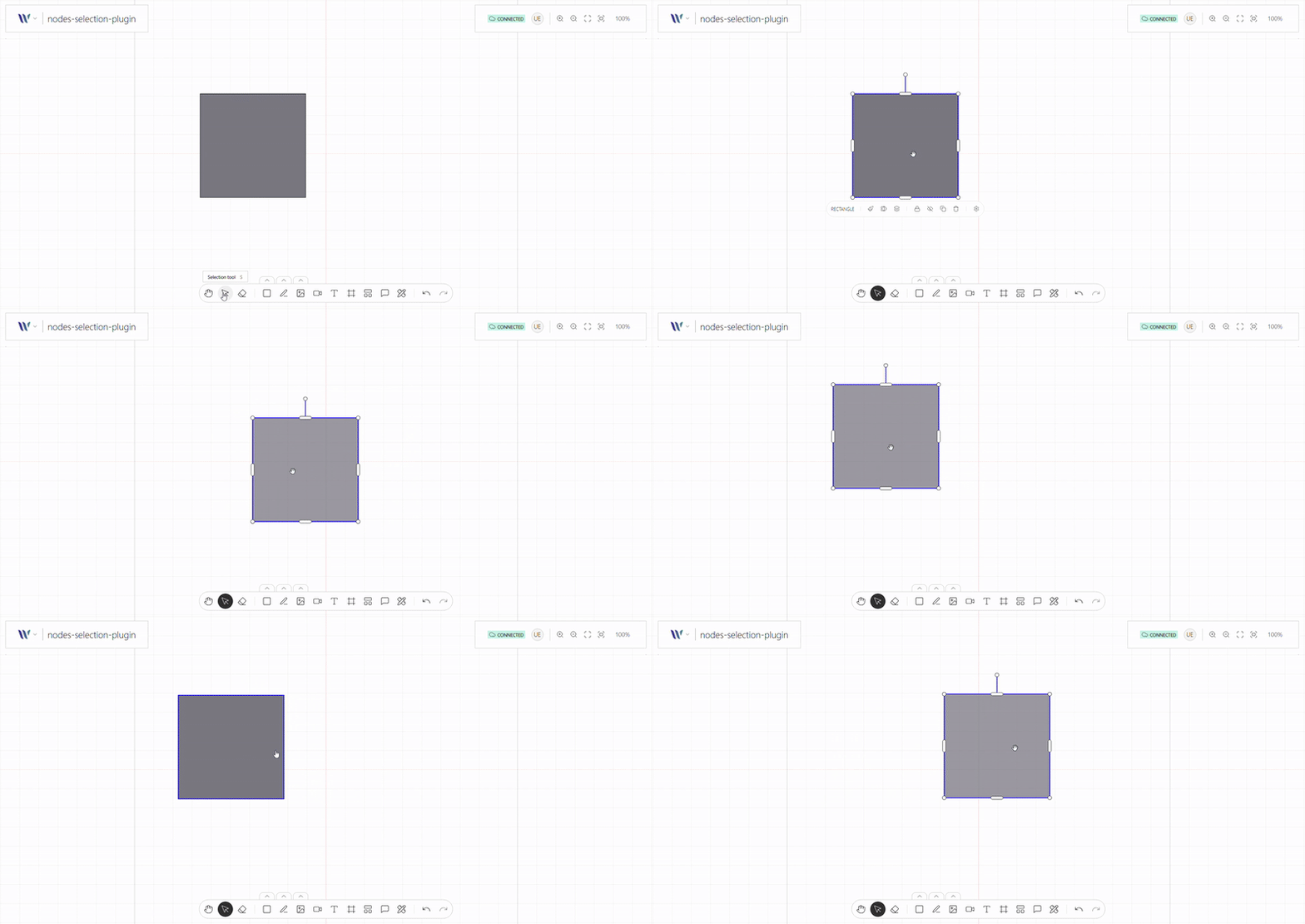
This plugin enables users to select one or multiple nodes on the canvas through clicks (touch), shift-clicks, or drag-selection (marquee). It provides the foundation for interactions like moving, grouping, editing, or deleting elements.
It handles selection state, visual highlighting, and integrates with other plugins (like keyboard shortcuts or transformation tools) to enable rich, interactive workflows. It’s essential for building intuitive, user-friendly collaborative interfaces.
Usage
Import the Plugin
Start by importing the plugin:
import { WeaveNodesSelectionPlugin } from "@inditextech/weave-sdk";Register the Plugin
Then register the plugin on the Weave class instance.
const instance = new Weave({
  ...
  plugins: [
    ...,
    new WeaveNodesSelectionPlugin(), (1)
  ]
})| 1 | Added in this step. |
You can also:
-
Customize the transformer style.
-
Define if the user can multiple select or not.
For more information check the WeaveNodesSelectionPlugin plugin API.