
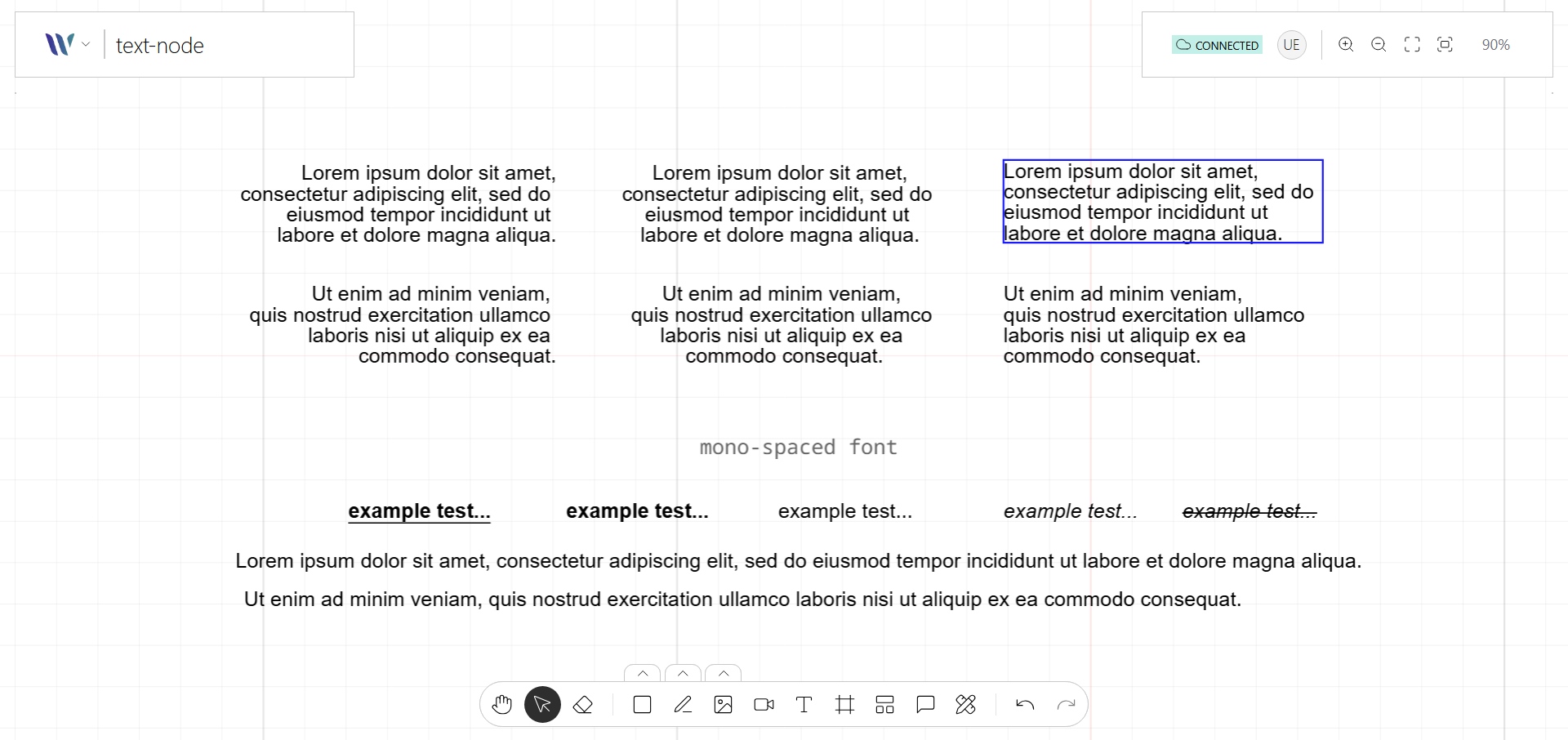
The Text node is used to display editable or static text on the canvas. Based on Konva’s Text shape, it supports rich styling options including font size, family, color, alignment, and line height.
Text Nodes are essential for labels, annotations, or any UI elements that require readable content. They can be fully interactive—allowing selection, dragging, and inline editing.
Usage
Import the Node
Start by importing the node:
import { WeaveTextNode } from "@inditextech/weave-sdk";Register the Node
Then register the node on the Weave class instance.
const instance = new Weave({
  ...
  nodes: [
    ...,
    new WeaveTextNode(), (1)
  ]
})| 1 | Added in this step. |
Use the node
We provide the action named Text Tool that allows users to add Text nodes to the application.
When the Text node is added to the stage it can behave by three different ways defined by the
property layout:
-
auto-all: makes the node auto-adjust its size (width & height) accordingly to the text that it contains. -
auto-height: makes the node auto-adjust its height accordingly to the text that it contains. The width is fixed and defined by the end user. -
fixed: makes the node fixed on both its width & height.