
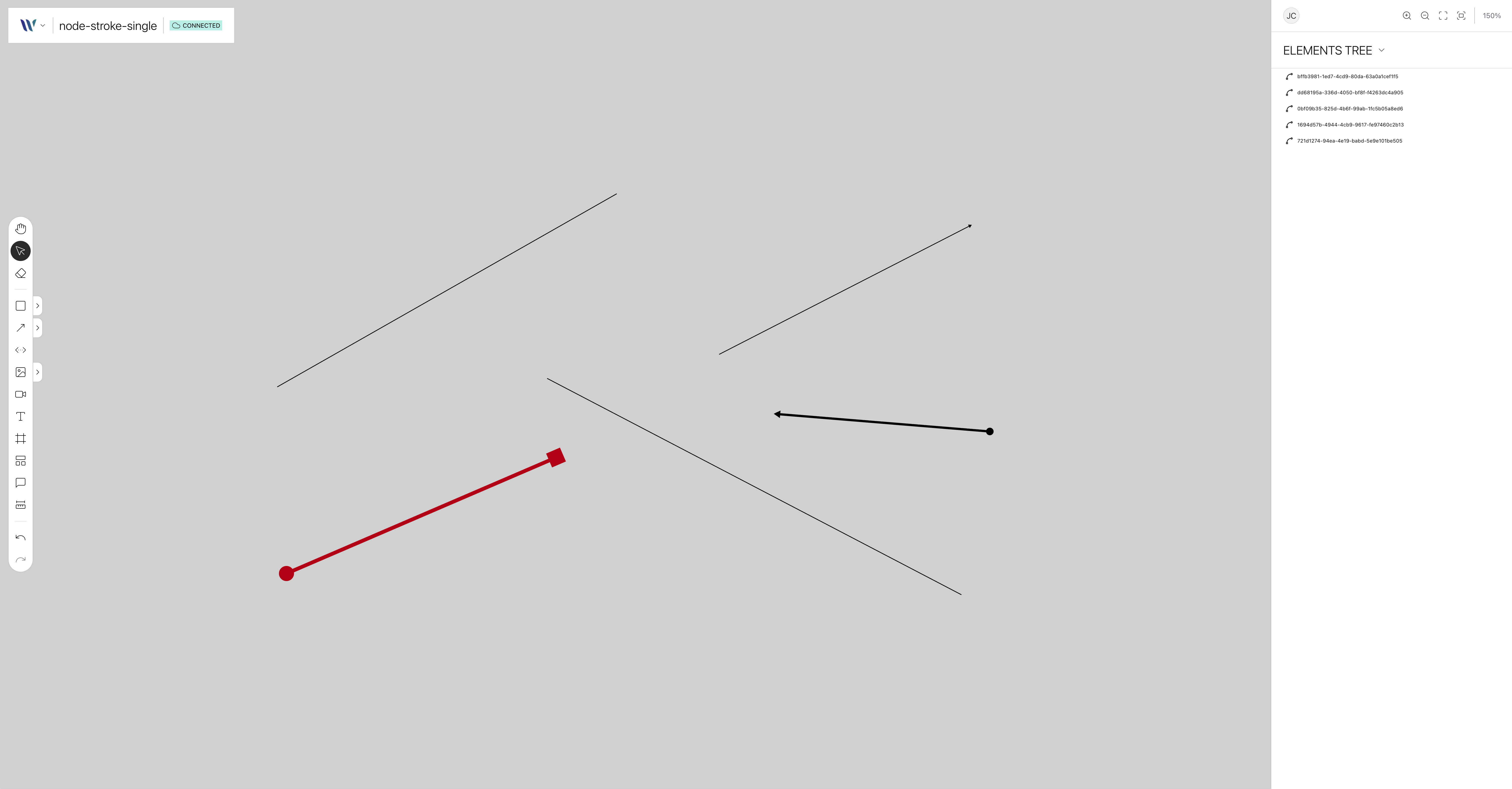
The Single Stroke node represents a customizable straight single-segment line on the canvas. It supports features like stroke color, width, dash patterns, and the possibility to define the line tips as: arrow, circle or square.
Usage
Import the Node
Start by importing the node:
import { WeaveStrokeSingleNode } from "@inditextech/weave-sdk";Register the Node
Then register the node on the Weave class instance.
const instance = new Weave({
  ...
  nodes: [
    ...,
    new WeaveStrokeSingleNode(), (1)
  ]
})| 1 | Added in this step. |
Use the node
We provide a single action:
-
Stroke Tool that allows users to add single-stroke nodes, to the application by click-and-drag.