
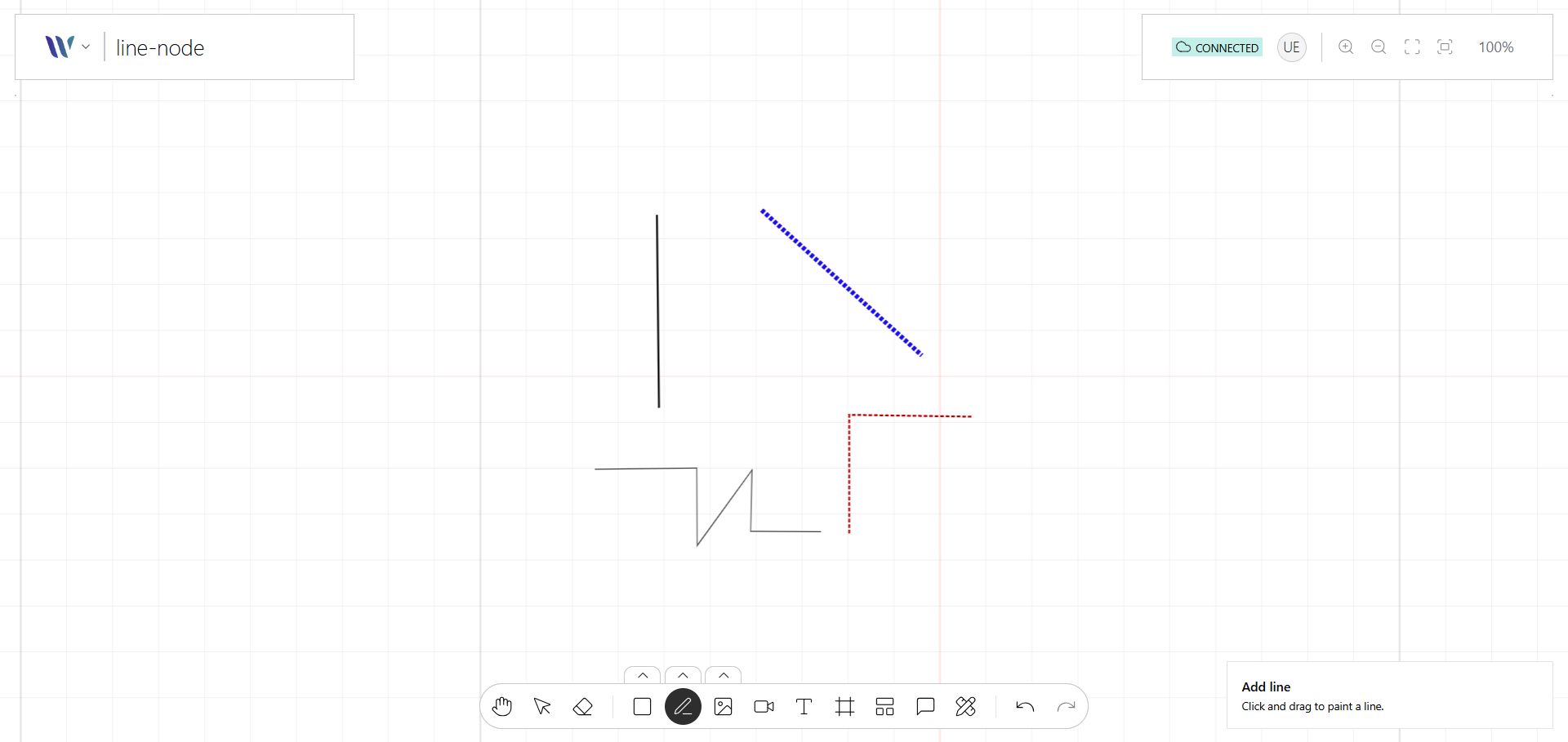
The Line node represents a customizable straight or curved line on the canvas. Built on top of Konva’s Line, it supports features like multiple points, stroke color, width, dash patterns, and smoothing options.
Line Nodes are ideal for drawing connectors, paths, or annotations between elements. They can be static or interactive, and are often used in diagramming tools, flow editors, and visual programming interfaces.
Usage
Import the Node
Start by importing the node:
import { WeaveLineNode } from "@inditextech/weave-sdk";Register the Node
Then register the node on the Weave class instance.
const instance = new Weave({
  ...
  nodes: [
    ...,
    new WeaveLineNode(), (1)
  ]
})| 1 | Added in this step. |
Use the node
We provide two actions:
-
Pen Tool that allows users to add Line nodes, to the application by specifying all segments one-by-one (a line is a collection of points, and lines are rendered among them).
-
Brush Tool that allows users to add Line nodes, to the application by free-hand (mouse or digital pencil).