
Users Presence
Showcase what the users are doing on the canvas
Introduction
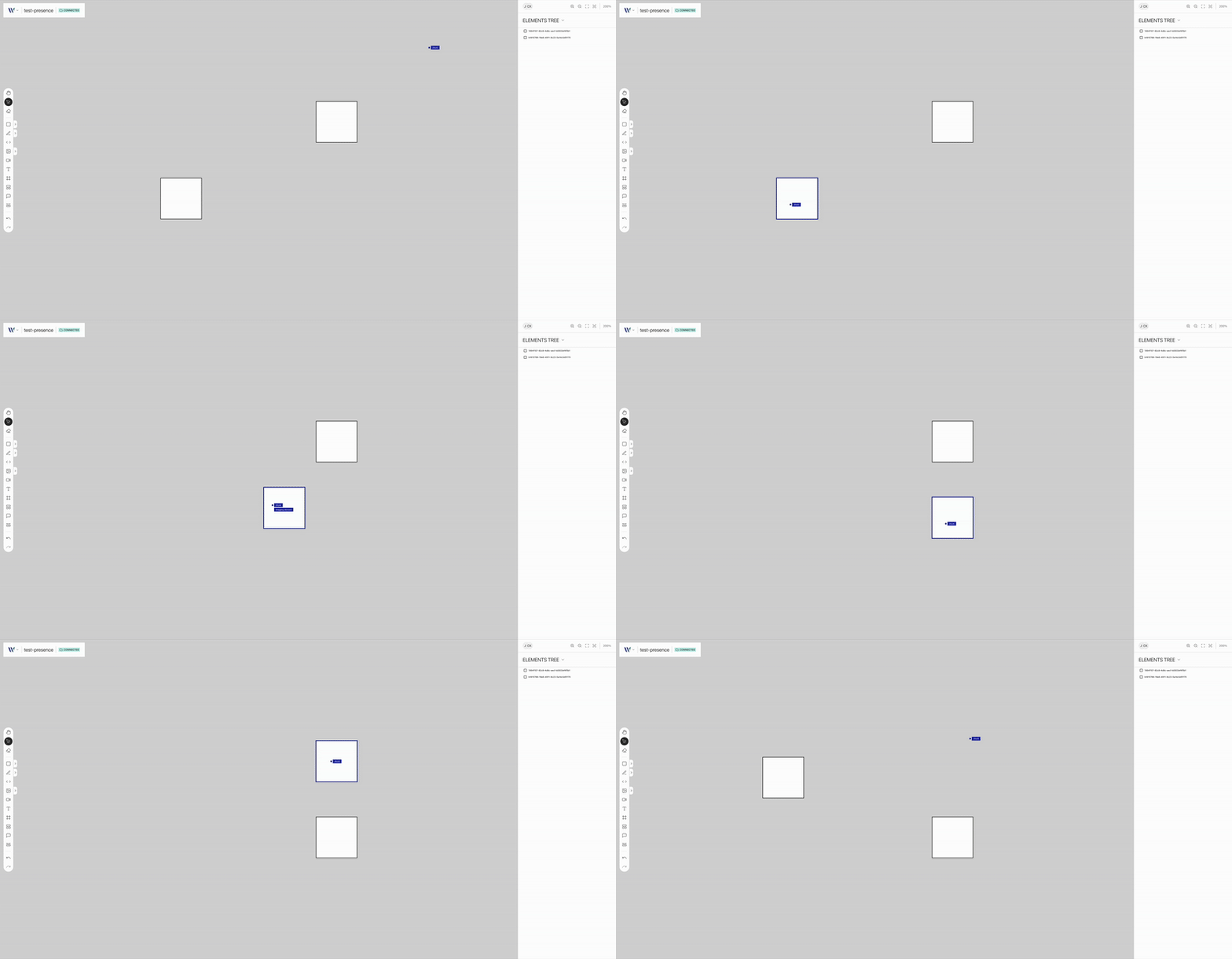
This plugin displays in real-time what connected users are doing on the canvas. For example when an user drags/moves an element, the dragging movement will be displayed, and not just the final result of the user operation.
As today we support:
- Dragging of nodes
- Transforming of nodes
Usage
Import the Plugin
Start by importing the plugin:
import { WeaveUsersPresencePlugin } from "@inditextech/weave-sdk";Register the Plugin
Then register the plugin on the Weave class instance.
const getUser = () => {
  id: 'user-id',
  email: 'useremail@corp.com',
  name: 'User'
}

const instance = new Weave({
  ...
  plugins: [
    ...,
    new WeaveUsersPresencePlugin({
      config: {
        getUser,
      },
    }),
  ]
})
Use the plugin
Once the plugin is registered if more than one users are connected to the room, instance, users will be able to see the other users operations in real-time, and the others users can see theirs.