
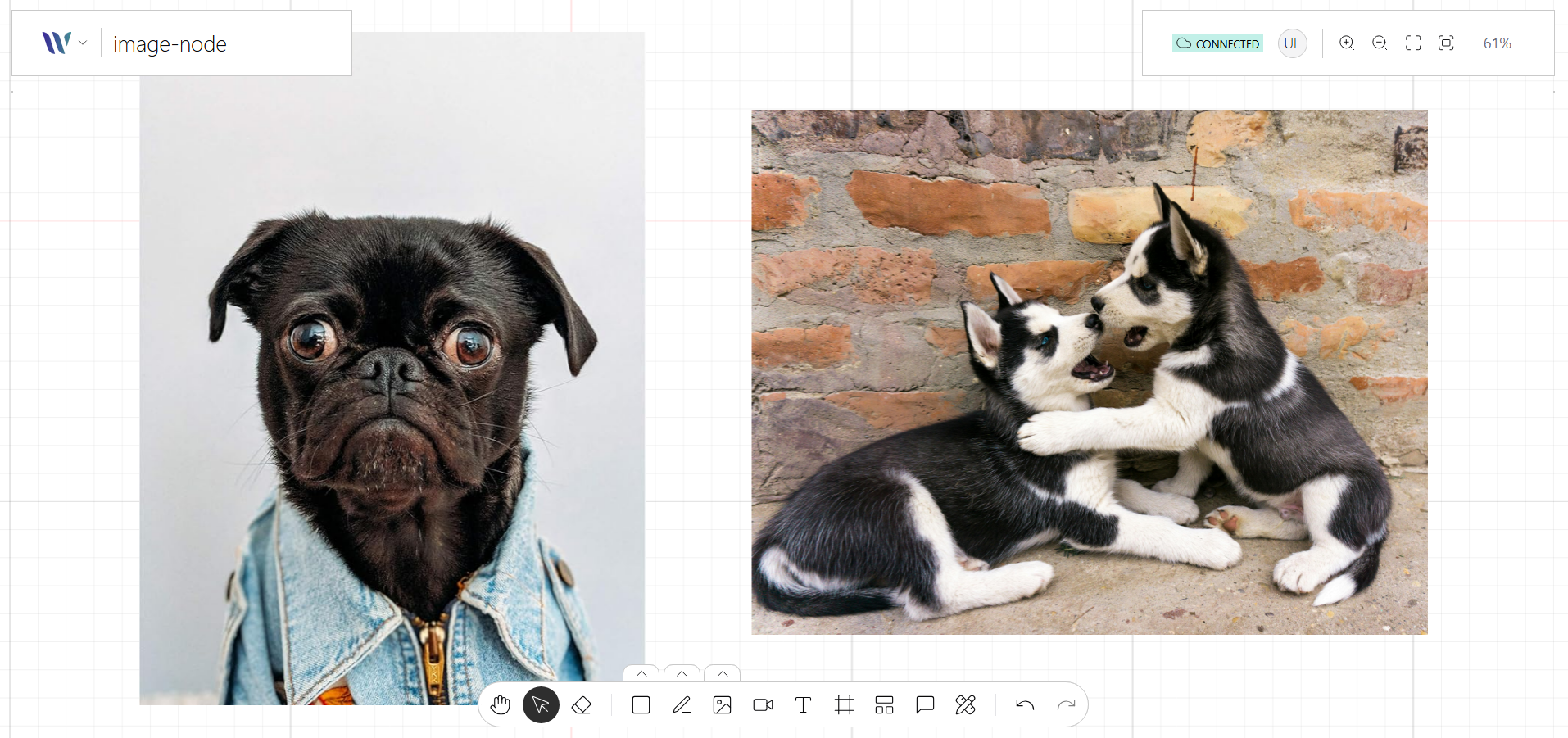
The Image Node allows you to render images directly onto the canvas. Built on top of Konva’s Image shape, it supports properties like position, scale, opacity, and filters.
Image nodes are perfect for adding visual references, icons, or user-uploaded media to your collaborative canvas. They supporting selection, resizing, and drag-and-drop—and and can be extended with plugins for features like cropping, masking, or annotations.
Usage
Import the Node
Start by importing the node:
import { WeaveImageNode } from "@inditextech/weave-sdk";Register the Node
Then register the node on the Weave class instance.
const instance = new Weave({
  ...
  nodes: [
    ...,
    new WeaveImageNode(), (1)
  ]
})| 1 | Added in this step. |
Use the node
We provide an action named Image Tool that allows users to add Image (one-by-one) nodes to the application.