
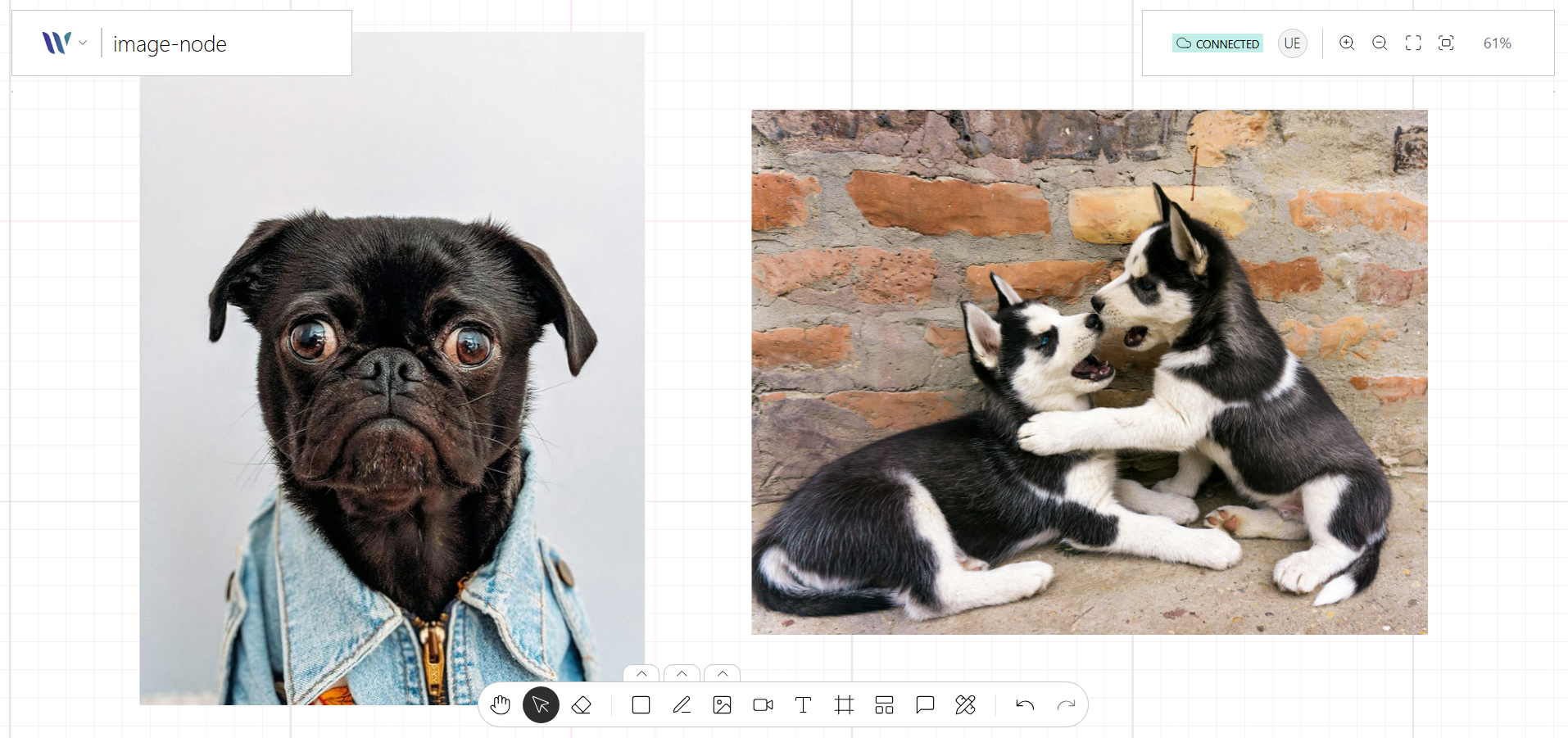
The Image Node allows you to render images directly onto the canvas. Built on top of Konva’s Image shape, it supports properties like position, scale, opacity, and filters.
Image nodes are perfect for adding visual references, icons, or user-uploaded media to your collaborative canvas. They supporting selection, resizing, and drag-and-drop—and and can be extended with plugins for features like cropping, masking, or annotations.
Usage
Import the Node
Start by importing the node:
import { WeaveImageNode } from "@inditextech/weave-sdk";Register the Node
Then register the node on the Weave class instance.
const instance = new Weave({
  ...
  nodes: [
    ...,
    new WeaveImageNode(), (1)
  ]
})| 1 | Added in this step. |
Use the node
We provide an action named Image Tool that allows users to add Image (one-by-one) nodes to the application.
Flip an image
Image nodes can be flipped horizontally and vertically without generating a new asset:
const imageNode = instance.getStage().findOne("#imageId") as Konva.Group;

instance.flipImage(imageNode, { axis: "horizontal" });
instance.flipImage(imageNode, { axis: "vertical" });

// or directly on the node
imageNode.flipHorizontal();
imageNode.flipVertical();-
Both axes are independent: the state persists them as the
flipXandflipYbooleans. -
Flipping the same axis twice restores the original image.
-
Position, size, rotation and stacking order are not changed, and each flip is a single undo / redo step.
-
The flip is kept when resizing, rotating, cropping, grouping, copy / pasting and when rendering on the server.
-
Calling it while the image is being cropped has no effect.
See the WeaveImageNode API reference for details.