
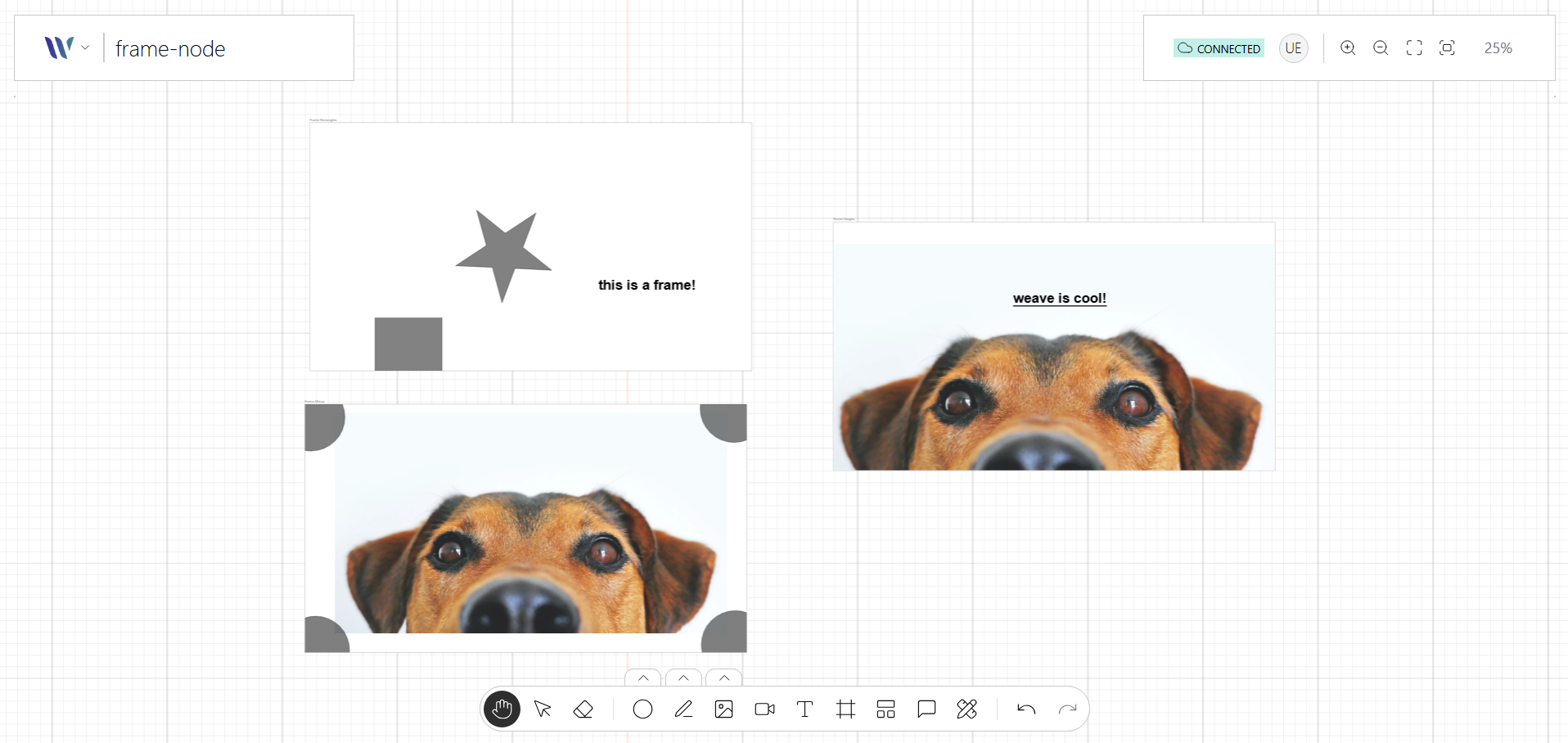
The Frame node is a container-like visual element used to group and organize other nodes within a pre-defined boundary. It functions as a structured layout region, often used to represent panels, sections, or modular components on the canvas.
Built using a combination of primitive shapes, the Frame node can include a title, background, border, and optional interactive handles. It supports nesting of child Nodes, making it ideal for modular UIs, flow sections, or structured diagrams.
Usage
Import the Node
Start by importing the node:
import { WeaveFrameNode } from "@inditextech/weave-sdk";Register the Node
Then register the node on the Weave class instance.
const instance = new Weave({
  ...
  nodes: [
    ...,
    new WeaveFrameNode(), (1)
  ]
})| 1 | Added in this step. |
Use the node
We provide an action named Frame Tool that allows users to add Frame nodes to the application.