
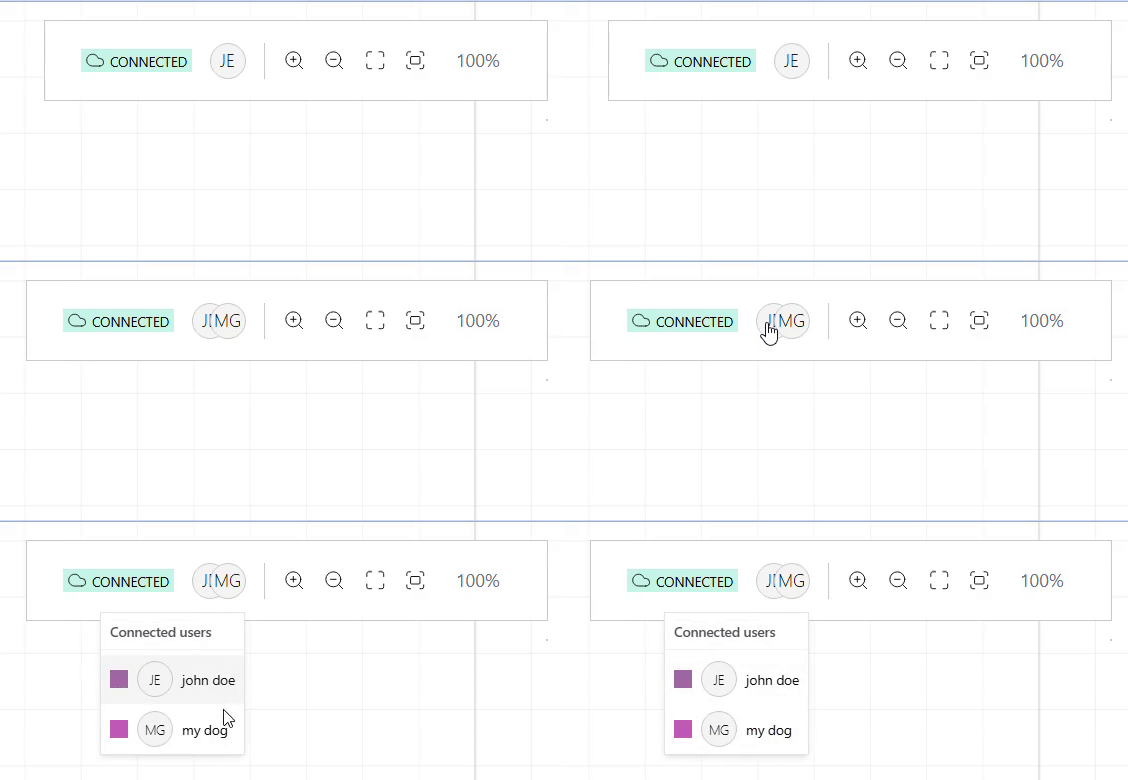
Introduction
This plugin returns the list of users currently active in a collaborative session. It can provide the user name and email, helping participants stay aware of who’s online and interacting with the canvas.
|
UI Agnostic
This plugin only returns an structure of the connected users to a room, it doesn’t provide an UI. |
Usage
Import the Plugin
Start by importing the plugin:
import { WeaveConnectedUsersPlugin } from "@inditextech/weave-sdk";Register the Plugin
Then register the plugin on the Weave class instance.
const getUser = () => { (1)
  id: 'user-id', (2)
  email: 'useremail@corp.com', (3)
  name: 'User' (4)
} (5)

const instance = new Weave({
  ...
  plugins: [
    ...,
    new WeaveConnectedUsersPlugin({ (6)
      config: { (7)
        getUser, (8)
      }, (9)
    }), (10)
  ]
})| 1 | Added in this step. |
| 2 | Added in this step. |
| 3 | Added in this step. |
| 4 | Added in this step. |
| 5 | Added in this step. |
| 6 | Added in this step. |
| 7 | Added in this step. |
| 8 | Added in this step. |
| 9 | Added in this step. |
| 10 | Added in this step. |
Use the plugin
Once the plugin is registered you can add a listener with the Weave
instance Events API that listen to the event named onConnectedUsersChange.
// Import types
import type {
  WeaveConnectedUsers,
  WeaveConnectedUsersChangeEvent,
} from "@inditextech/weave-sdk";

instance.addEventListener<WeaveConnectedUsersChangeEvent>(
  "onConnectedUsersChange",
  (users: WeaveConnectedUsers) => {
    console.log(users);
  }
);
With this callback you can save this information on the UI state and render accordingly, whenever it changes your UI will remain updated.