
Introduction
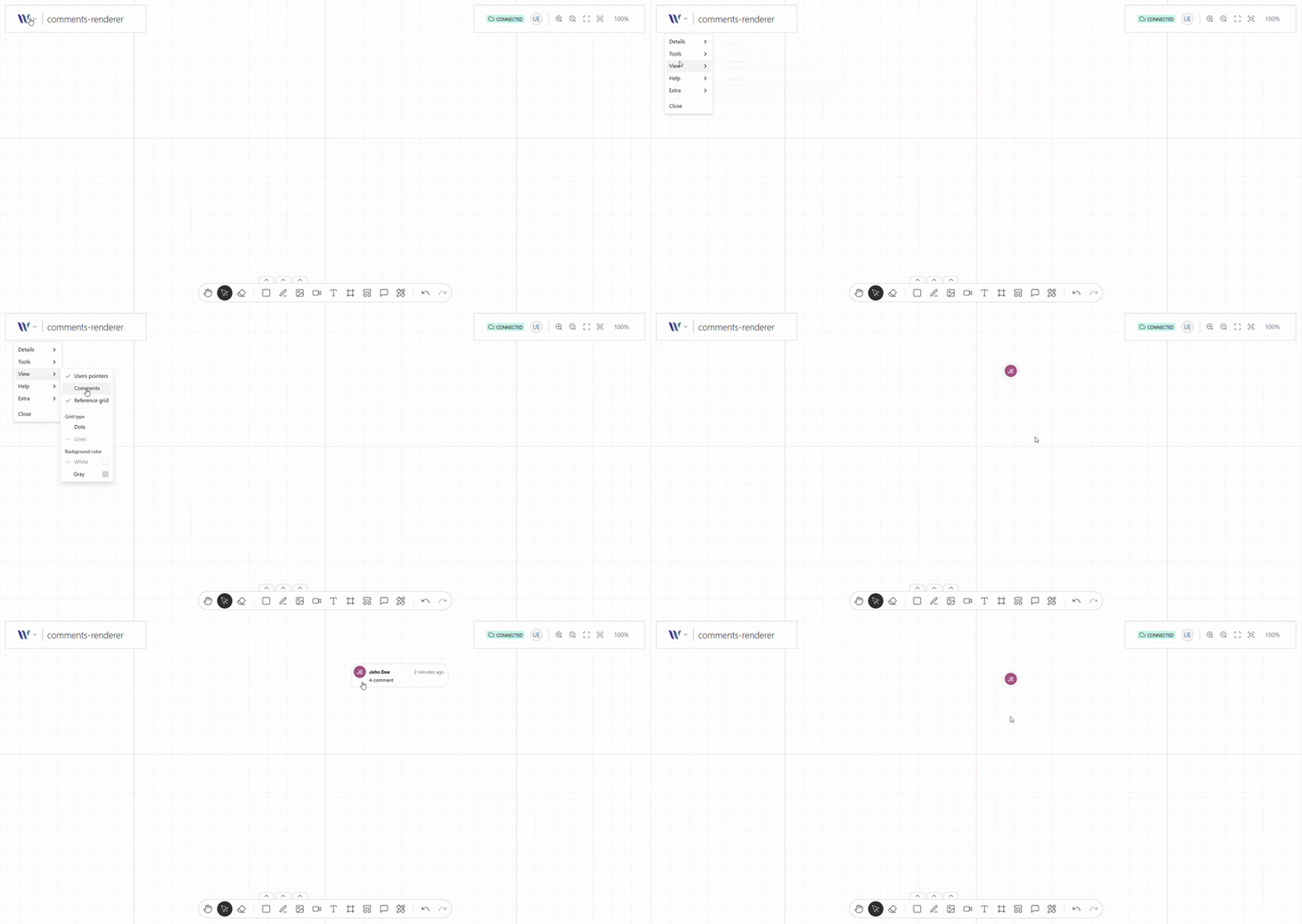
This plugin renders the provided comments (as a model) on a special layer on the canvas, this layer is not synced using the room state, is independent.
Take into consideration, that the rendering is not automatic, meaning that if:
-
Other user adds, changes, or reply a comment
-
Yourself add, change or reply to a comment
This will not trigger a re-render of the comments, you need to manually trigger the re-render when this actions happens, this is intended in order to decouple Weave internal and make the tool headless from all points of view: UI, Backend and Entity model.
Import the Plugin
Start by importing the plugin:
import { WeaveConnectedUsersPlugin } from "@inditextech/weave-sdk";Register the Plugin
Then register the plugin on the Weave class instance.
const instance = new Weave({
  ...
  plugins: [
    ...,
    new WeaveConnectedUsersPlugin({ (1)
      config: { (2)
        model, // here you define some utils to work with your Entity model (3)
        getUser, // we need the current user model when creating (4)
        getUserBackgroundColor, // define the background color associated to an user (5)
        getUserForegroundColor, // define the foreground color associated to an user (6)
      } (7)
    }), (8)
  ]
})| 1 | Added in this step. |
| 2 | Added in this step. |
| 3 | Added in this step. |
| 4 | Added in this step. |
| 5 | Added in this step. |
| 6 | Added in this step. |
| 7 | Added in this step. |
| 8 | Added in this step. |
Use the plugin
Once the plugin is registered you have an API to control when to render the comments:
-
setComments(comments: T[]): void: this function sets the comments to render, based on your Entity model. -
render(): void: this function is the one that renders the comments on the room stage, call it whenever the comments changed.