
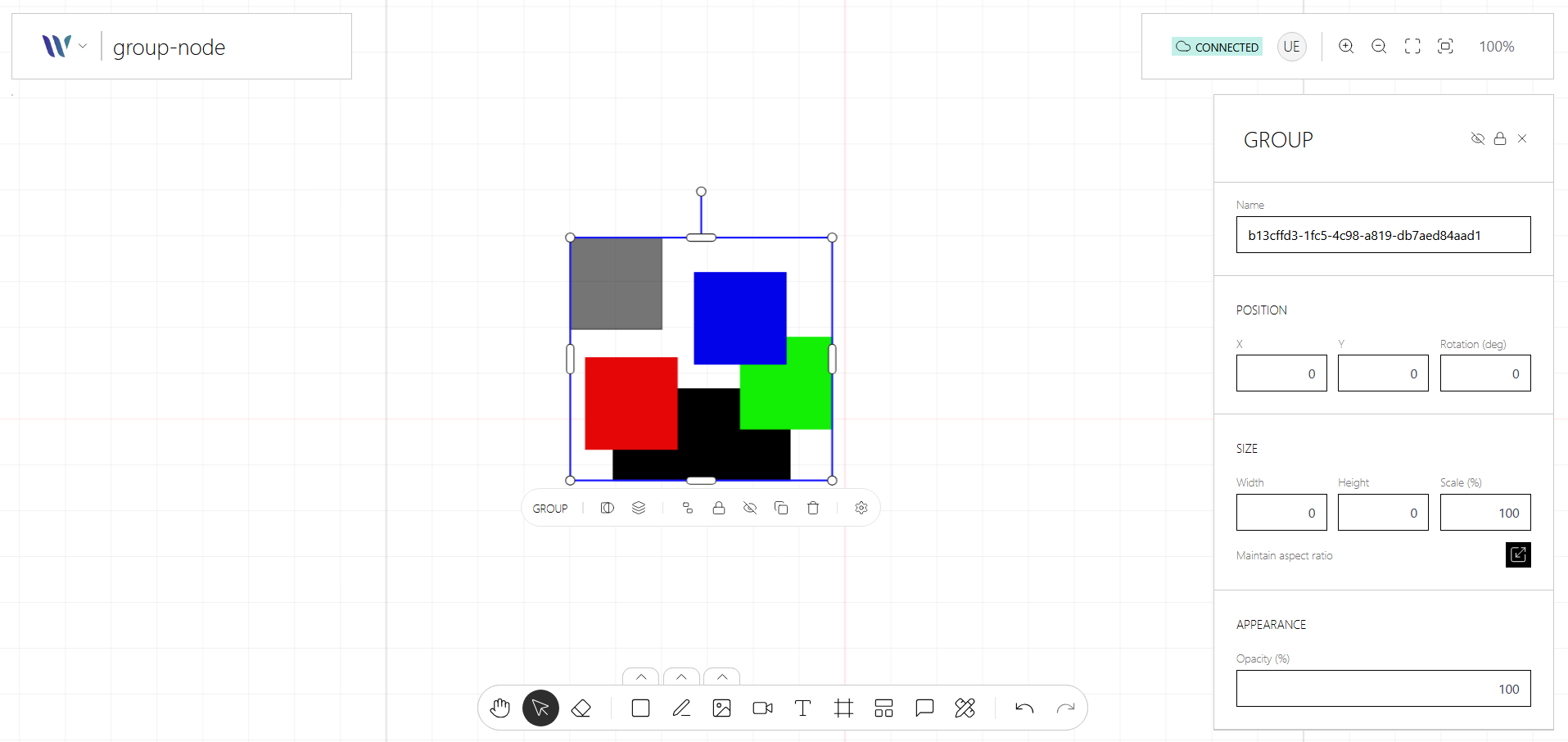
The Group node is a container for organizing multiple nodes into a single, movable and transformable unit. Based on Konva’s Group, it allows you to nest shapes or other groups together, enabling you to apply transformations like positioning, scaling, rotation,or selection as one unified object.
Groups are useful for structuring complex UIs, building reusable components, or enabling drag-and-drop behavior across multiple elements. They help keep your canvas scene organized and easier to manipulate programmatically.
Usage
Import the Node
Start by importing the node:
import { WeaveGroupNode } from "@inditextech/weave-sdk";Register the Node
Then register the node on the Weave class instance.
const instance = new Weave({
  ...
  nodes: [
    ...,
    new WeaveGroupNode(), (1)
  ]
})| 1 | Added in this step. |
Use the node
|
The Group node is a layering node, it doesn’t render anything visual to the end user, its normally used through the contextual menu to group selected nodes or un-group a group. Check the Weave class API to learn about the Group Management API. |
Group Edit Mode
When the Nodes Selection plugin is registered, users can enter Group Edit Mode to select and manipulate individual child nodes inside a group without ungrouping it first.
Entering edit mode
Double-click a group on the canvas. The group enters edit context: its direct children become individually selectable and draggable, and any selection outside the group is cleared.
Interacting with children
While in edit mode:
-
Click a child node to select it. Standard single/multi-selection and transformer handles work as usual, scoped to the group.
-
Drag a child node to reposition it within the group. Snapping guides respect the group boundary.
-
Actions like delete, copy, or move are applied only to the selected child(ren).
Exiting edit mode
Exit the group context using any of the following:
-
Click anywhere outside the group on the canvas.
-
Press the Escape key.
-
The context is also exited automatically if the group node is removed.
Programmatic access
The active group context is managed by WeaveNodesSelectionPlugin. See the
plugin API reference for the
enterGroupContext, exitGroupContext, and getActiveGroupContext methods, as well as the
onGroupContextChange event.