
Introduction
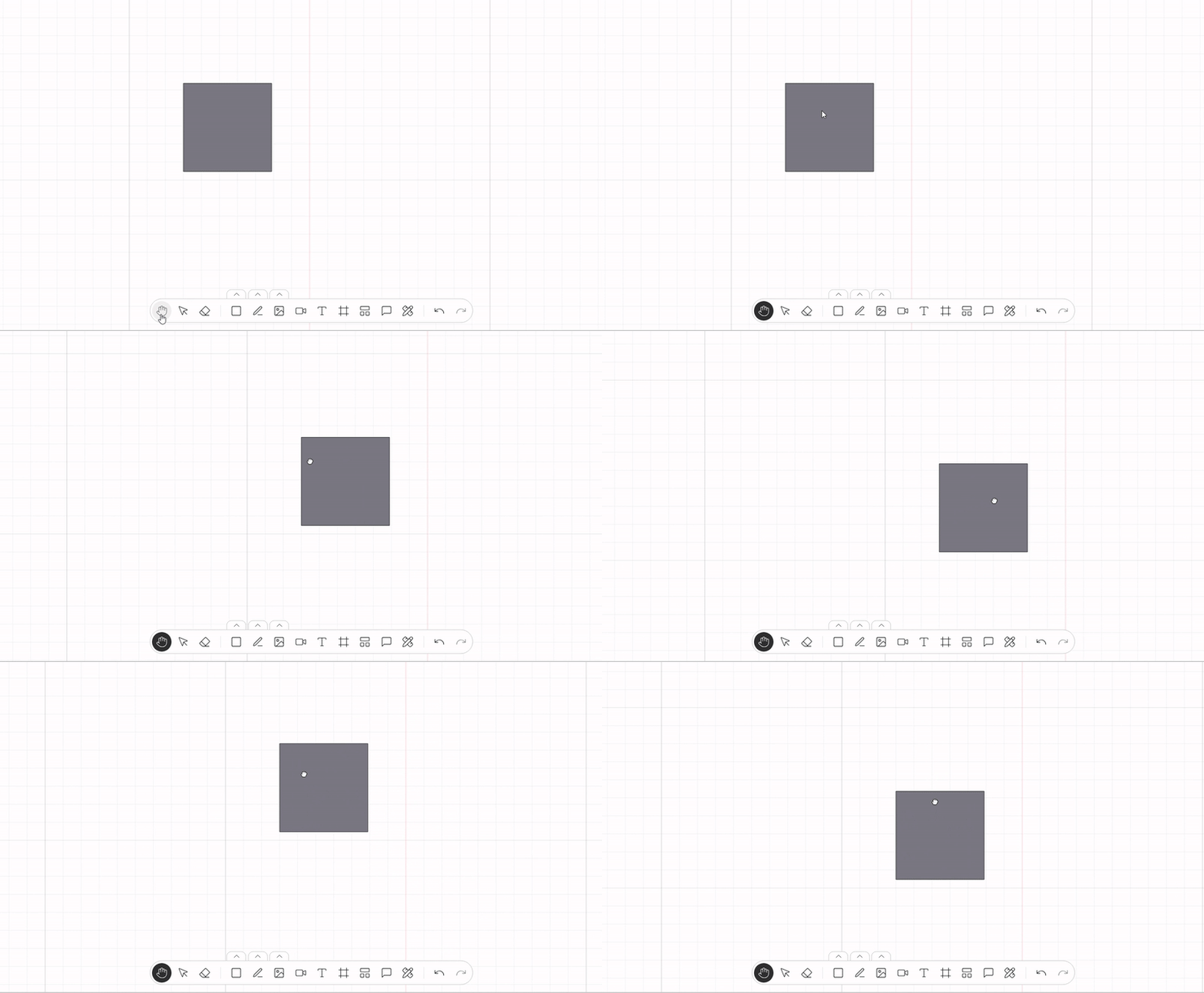
This plugin enables users to navigate the canvas by dragging to move around the Stage. It enhances the user experience by allowing intuitive exploration of large or zoomed-in workspaces, especially in collaborative or diagram-heavy environments.
This plugin handles input events like mouse drag or touch gestures, and smoothly updates the Stage’s position. It integrates seamlessly with other plugins like zoom, grid, and selection—ensuring fluid and natural canvas navigation.
Dependencies
This plugin needs also registered on the Weave instance the following:
-
Move tool action.
Usage
Import the Plugin
Start by importing the plugin:
import { WeaveStagePanningPlugin } from "@inditextech/weave-sdk";Register the Plugin
Then register the plugin on the Weave class instance.
const instance = new Weave({
  ...
  plugins: [
    ...,
    new WeaveStagePanningPlugin(), (1)
  ]
})| 1 | Added in this step. |