
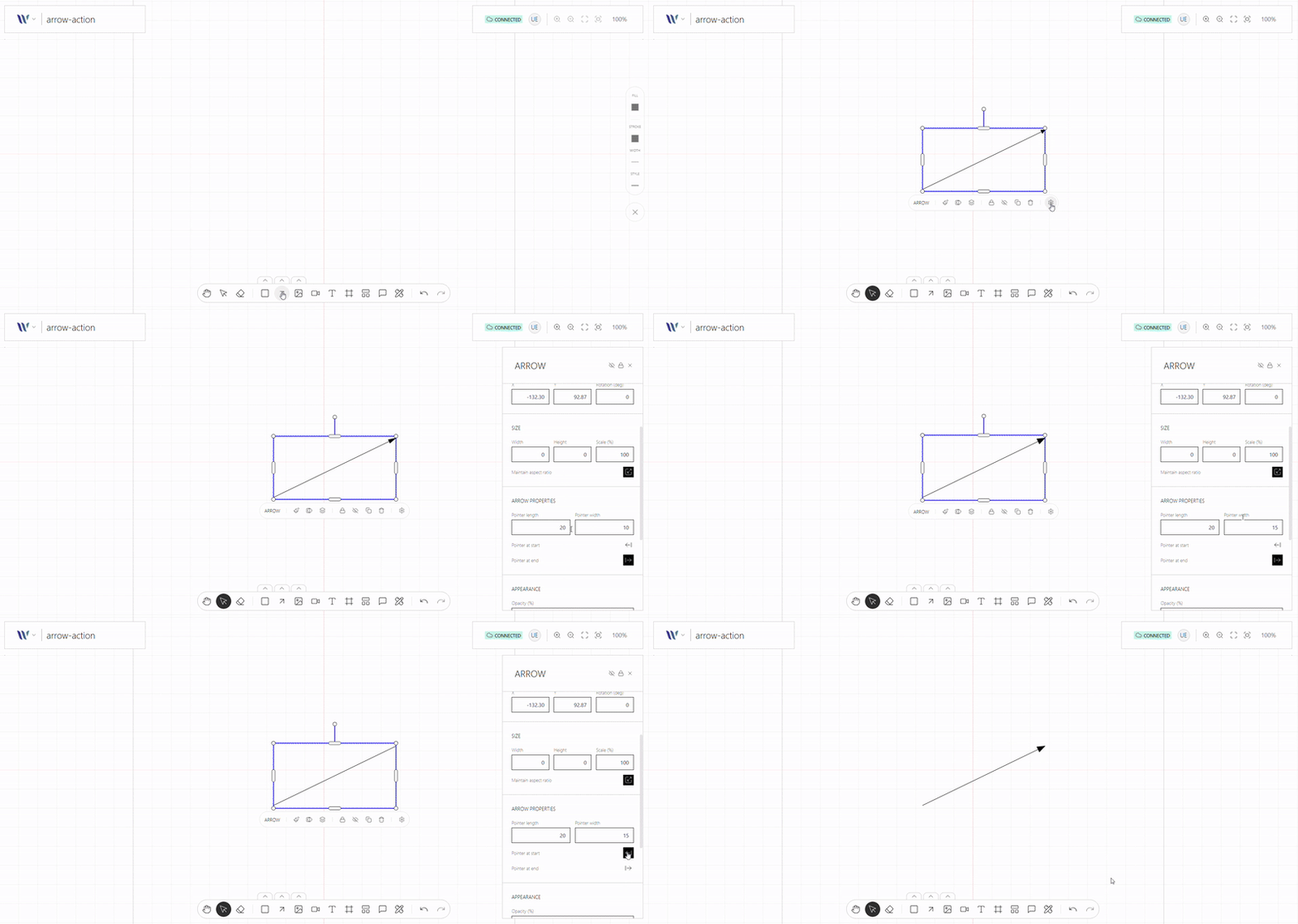
Usage
Import the Action
Start by importing the action:
import { WeaveArrowToolAction } from "@inditextech/weave-sdk";Register the Action
Then register the action on the Weave class instance.
const instance = new Weave({
  ...
  actions: [
    ...,
    new WeaveArrowToolAction(), (1)
  ]
})| 1 | Added in this step. |
Setup the action trigger
Setup on a button or any element on the UI the user can interact with on the action event:
instance.triggerAction("arrowTool");For example on a button on React:
import React from "react";
import { useWeave } from "@inditextech/weave-react";

const MyArrowToolTriggerComponent = () => {
  const instance = useWeave((state) => state.instance);

  const triggerTool = React.useCallback(() => {
    instance.triggerAction("arrowTool");
  }, [instance]);

  return <button onClick={triggerTool}>Arrow Tool</button>;
};
Trigger the action
Finally a final user trigger the UI element that launches the action.
When the tool is active the user can:
-
Click or Touch on the canvas, to define an arrow segment start point.
-
Click or Touch again on the canvas, to define the arrow final segment point.
When the user is satisfied with the arrow segments:
-
On non-touch devices, press the Enter or Esc keys.
-
On touch devices, trigger the Selection Tool.
Then the arrow with the N defined segments is added to the canvas as a fully functional node—ready. This action integrates seamlessly with Weave.js’s real-time state system, ensuring the new element appears instantly for all connected users.