

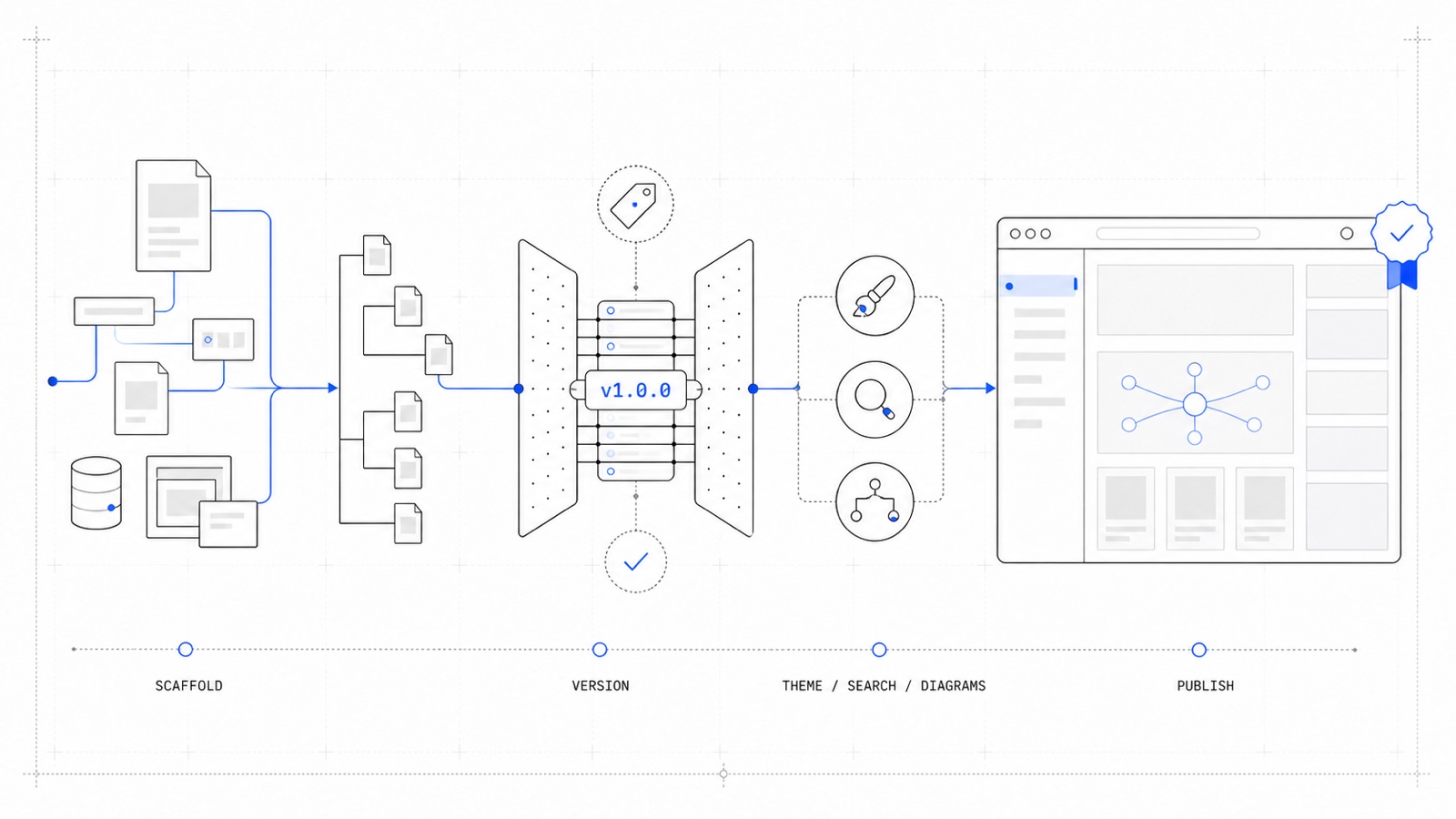
docouture turns "we should really document this" into a real, versioned documentation site in minutes, not weeks — scaffolded straight into the repository the product it documents already lives in, themed with Inditex’s own design system, and built to be written and kept in sync by AI agents just as easily as by hand.
Ship a site, not a project
One command, docouture new, is the whole setup: a full Antora
content tree, GitHub workflows, and an AGENTS.md
briefing so an AI agent can pick up the site immediately — dropped into an existing
repository, interactively or with flags, in one pass. docouture dev serves it with
live reload while writing; docouture build, publish, doctor, upgrade, eject,
teardown and completion cover everything from there to a published site and back.
See CLI.
Grow it the way the project actually grows
Every site picks its own versioning story from day one: a rolling standalone stable
prerelease pair for a product that only ever needs "the current docs", or a full
versioned history where every release keeps its own docs forever. Either way, nothing
about how pages are written changes — only how many copies of them the site ends up
publishing. See Versioning modes.
Look like the product, not like a template
The UI bundle is a themed fork of Antora’s own default UI on top of Inditex’s IOP
Design System: dark/light mode, a version switcher, full-text search that needs no
extra wiring, and a set of authoring blocks — [tabs], [cards], [accordion],
[feature-tabs], [cta] — for the parts of a page plain
AsciiDoc was never going to express on its own.
Content that does more than sit still
Diagrams render for real — Kroki-backed mermaid, plantuml, bpmn and
excalidraw — code blocks get build-time Shiki syntax highlighting
instead of a client-side afterthought, and every build produces
llms.txt/llms-full.txt so an AI agent can read the site as
plainly as a person can. External link checking catches rot before it ships. See
Integrations.
Publish and move on
docouture publish gh-pages — a CNAME custom-domain option and automatic
.nojekyll handling included — is the entire path from a finished build to a live URL.
See Publishing a documentation.